



Joker8 App
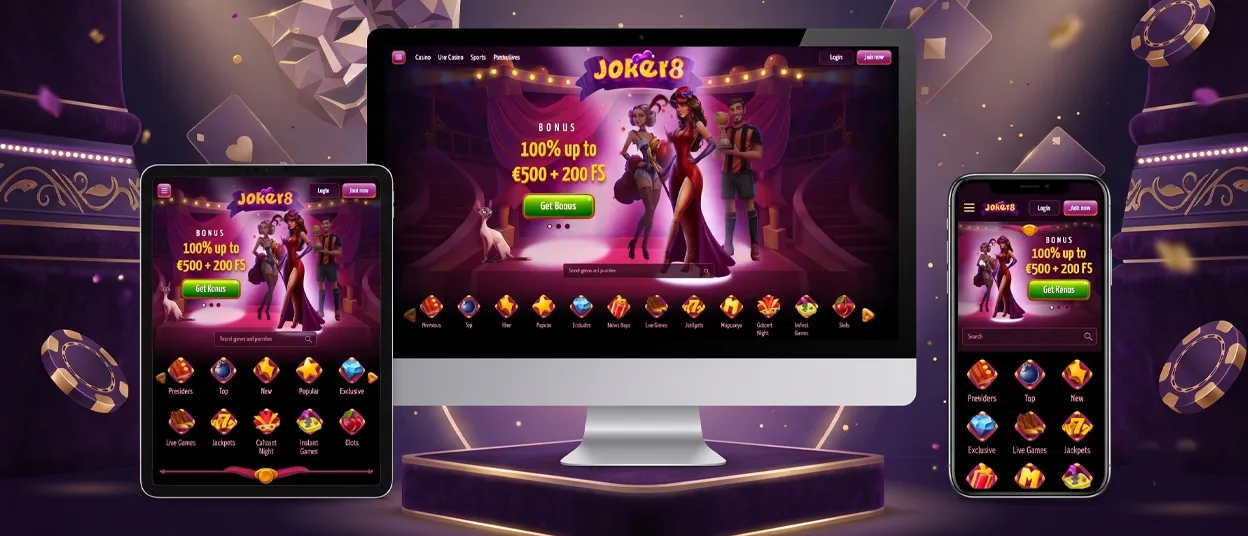
Every account at Joker8 opens the same way, whether the session starts from a phone, a tablet, or a desktop browser. We run the Joker8 app as a progressive web app, so there’s no listing to search for in Google Play or the App Store. Players add the icon straight from the browser, and the install takes seconds rather than the minutes a typical download demands. We keep Android, iOS and desktop users on one shared codebase, so a feature we add to Joker 8 reaches every device at the same time.



Joker8 Mobile Casino
Switching to a phone changes how the Joker8 Casino fits the screen, not what it contains. Menus collapse into a single tap-friendly bar, the game grid scrolls instead of paginating, and the Cabaret World hub keeps its coin counter visible without extra taps. A player who claims a bonus on desktop sees the same offer waiting on mobile since account data, balance, and VIP progress sync the instant a session switches devices.
Smaller screens suit short sessions between errands, while nothing about the catalog gets trimmed to make that fit work — every slot title, live table, and promotion available on a computer loads the same way on a phone.
Mobile Application for Android
Android owners reach the Joker8 app through Chrome or any current mobile browser, then add the shortcut to the home screen through the browser menu. Once placed, the icon opens in full-screen mode, skipping the address bar entirely and loading straight into the lobby.
We don’t require a separate account setup after the install — credentials from the Joker8 Casino website carry over immediately, so a returning player logs in exactly as before. Because we pull the shortcut’s content live from the site itself, Gates of Olympus Super Scatter and Thunder Coins XXL: Hold and Win open with the same paytables and jackpots we show on a desktop screen.
Joker8 APK
We don’t offer a standalone APK file to download from Joker8, and that’s by design. Our browser-based shortcut covers the same ground: it installs from the site directly, updates itself in the background, and skips the file-permission prompts an APK usually triggers. This removes the risk of sideloading an unverified file while keeping every player on the current version of Joker 8 without a manual update step.
Mobile Application for iOS
iPhone and iPad players install through Safari’s Share menu, tapping Add to Home Screen to place the Joker8 icon among their other apps. From that point, the shortcut behaves like a standalone application — it opens in its own window and hides the Safari toolbar. Signing in pulls the same account details across every device:
- Account balance and bonus history
- VIP level and Cabaret World coin count
- Saved language and display preferences
- Favorited games and recent activity
Cash Connection – Golden Book of Ra and Book of Ra Deluxe load at the same speed on iOS as on Android, and touch controls behave identically across both systems.
Joker8 Casino Application for Windows/macOS
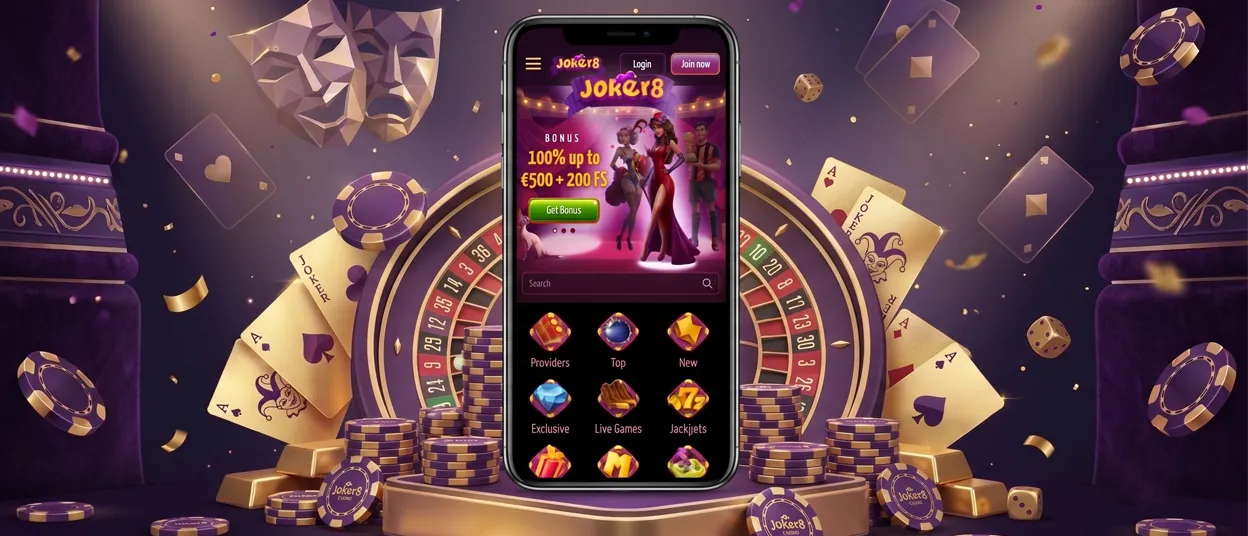
Desktop players never install a separate client. Chrome, Edge, or Safari load the full Joker8 site the moment the page opens, and creating a shortcut through the browser menu turns that tab into its own app-style window, separate from other open tabs.
The larger screen suits longer sessions at Roulette or Blackjack, where a live dealer feed benefits from more room than a phone offers.
Support and Verification on Any Device
Reaching the Support Team from the app follows the same path as on desktop — live chat sits in the same menu position and runs 24/7, regardless of which operating system is open.
The verification process for a first withdrawal works through the same document upload whether the screen is a phone or a monitor, and a verified account unlocks withdrawals across every version of the Joker8 app without repeating that step. Building a gaming experience around one shared login means switching between a tablet and a laptop mid-session never resets anything a player already set up.
FAQ
Does the Joker8 app send notifications about new promotions?
The PWA can request notification permissions after installation so updates about new releases and offers can appear directly on the lock screen.
Can I use the Joker8 app on a tablet?
The same PWA runs on Android and iOS tablets. Screen elements resize automatically to fill the extra space, landing the layout somewhere between a phone and a full desktop session.
Does the Joker8 app work if the connection drops mid-session?
A weak or interrupted connection pauses live gameplay, but the app keeps previously loaded menus and screens on screen, so navigation doesn’t reset the moment signal strength dips.


